
Export OME-TIFF
This continues directly from Clean Artefacts and Prepare Slides - same QuPath session, with the region of interest already annotated.
Step 6 – Export as OME-TIFF
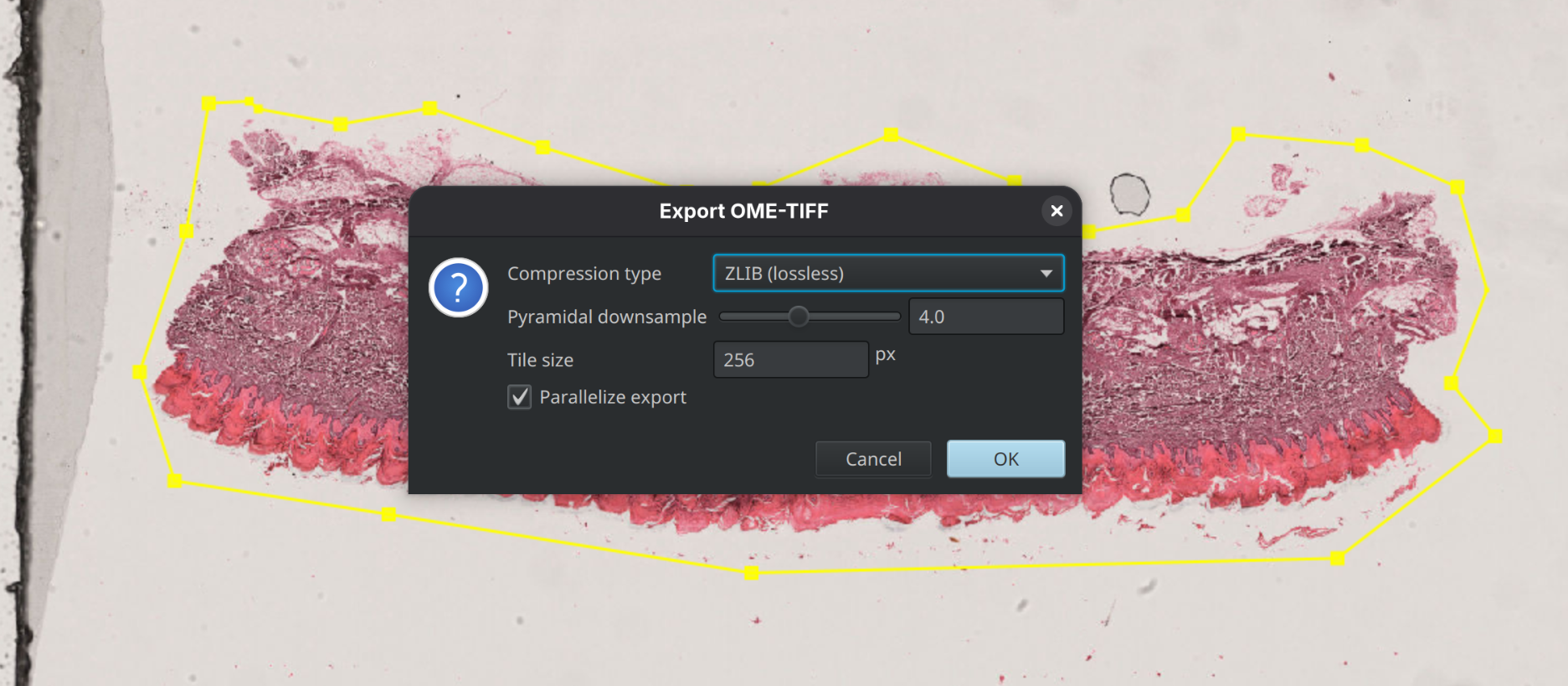
With the annotation selected, choose File > Export Images > OME-TIFF. Use the default settings unless instructed otherwise. Save using the slide ID where possible and note the destination folder. Large exports may take several minutes to complete.
Step 7 – Verify the Export
After the export completes, verify that the OME-TIFF file was created successfully. The file is now ready for import into OMERO using OMERO.insight.
Continue to Import using OMERO.insight.